Products | Fiber Systems | Rack Mount Housing | LGX Range
1U 3 slots LGX Modular Fixed Frame - MP3PP06
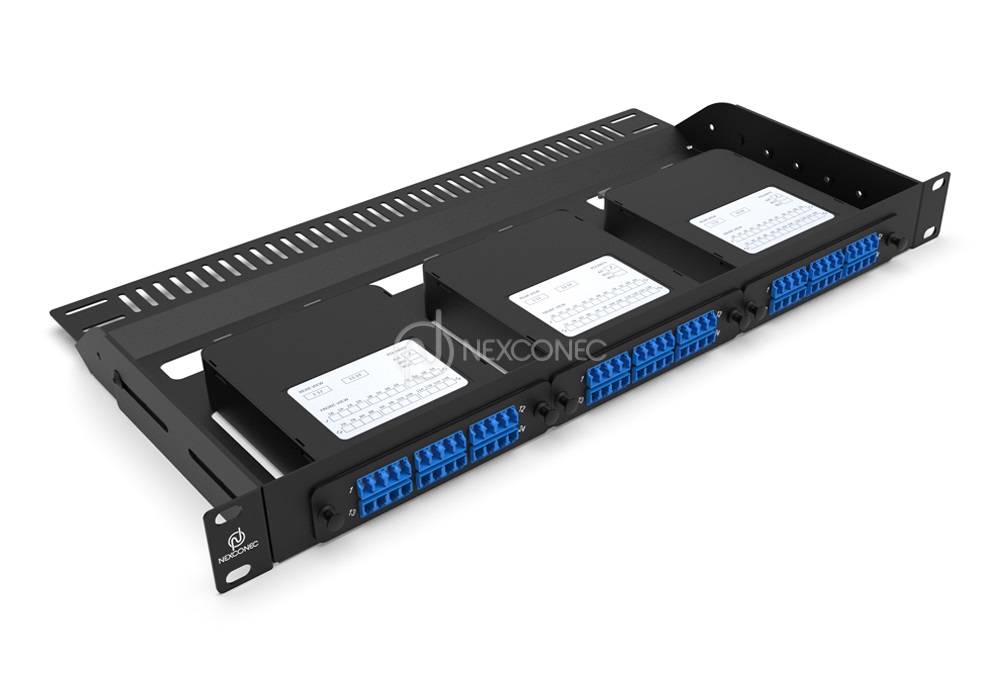
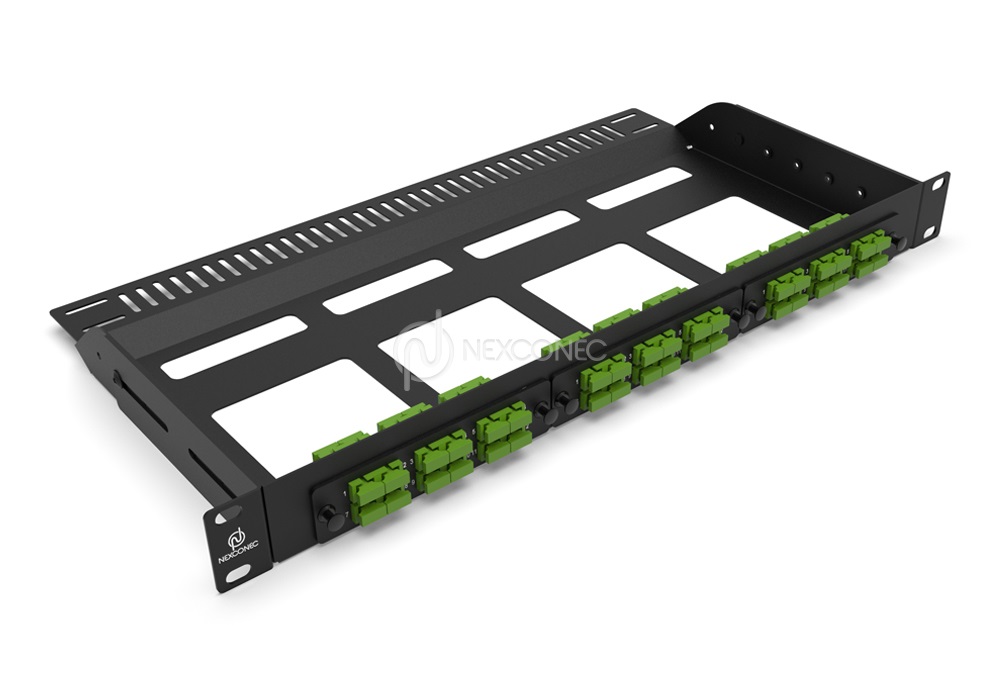
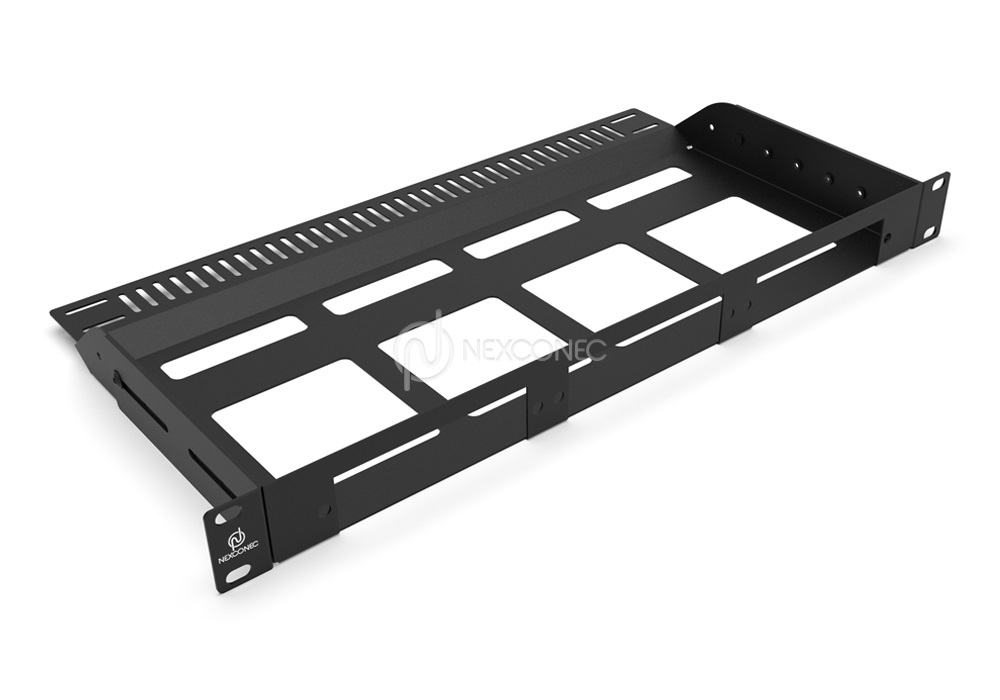
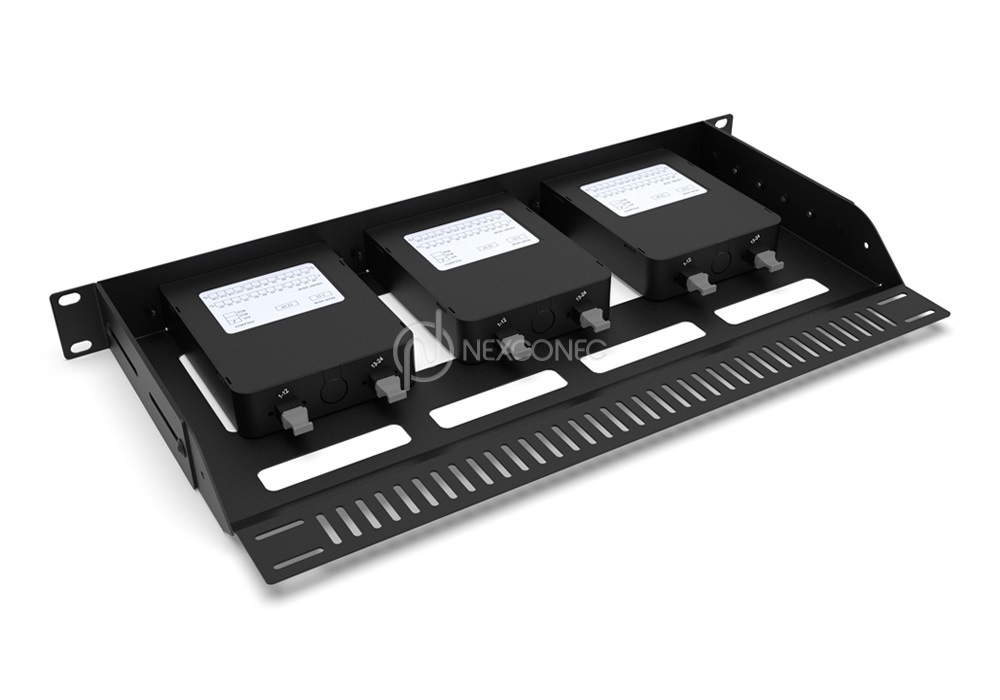
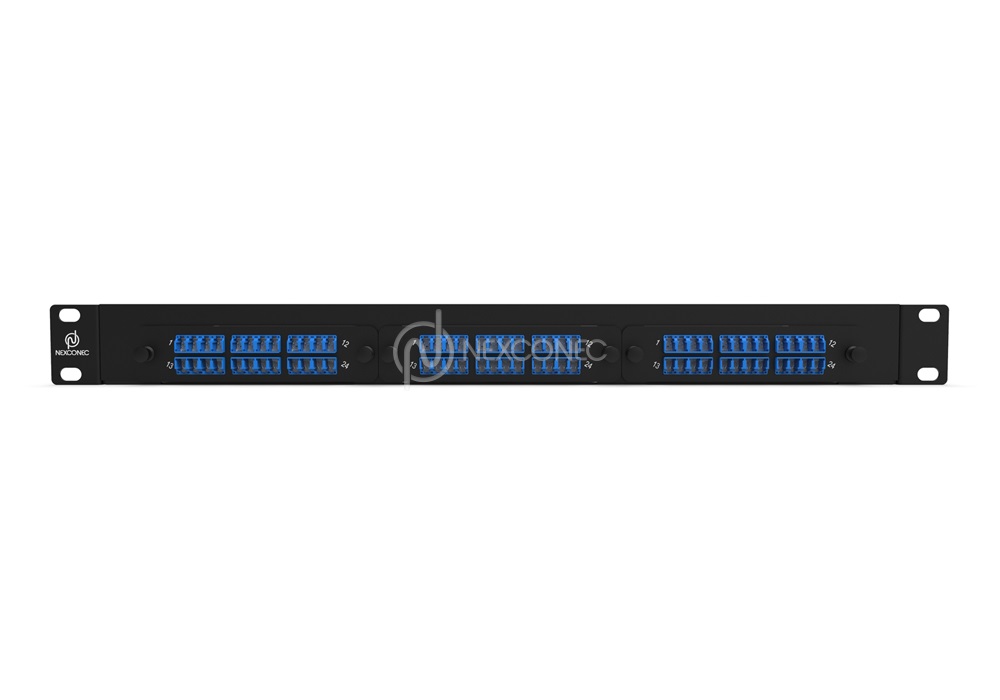
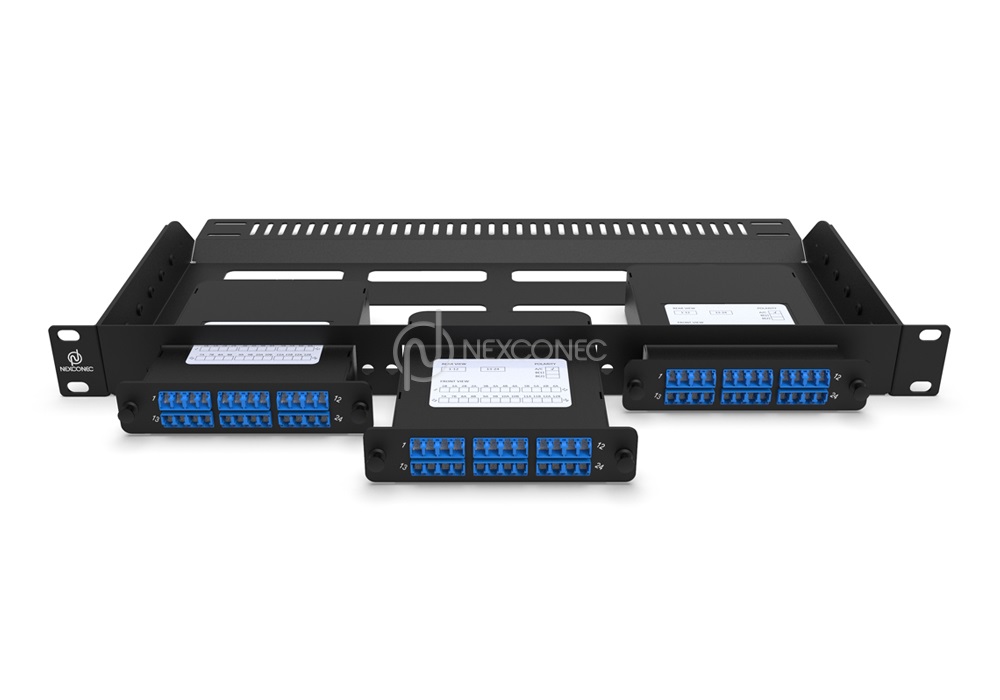
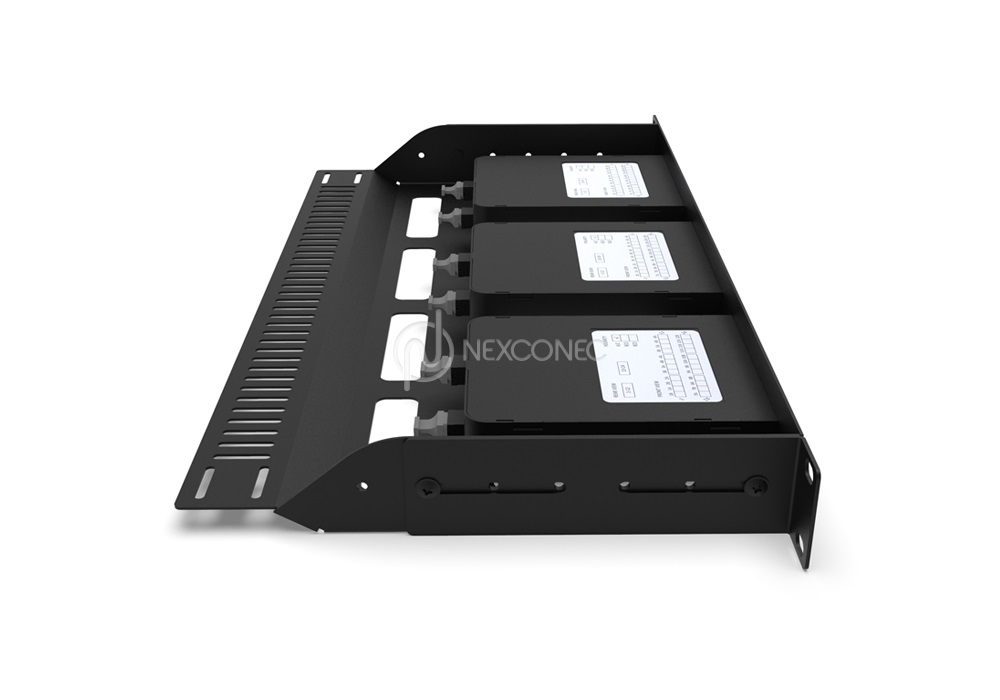
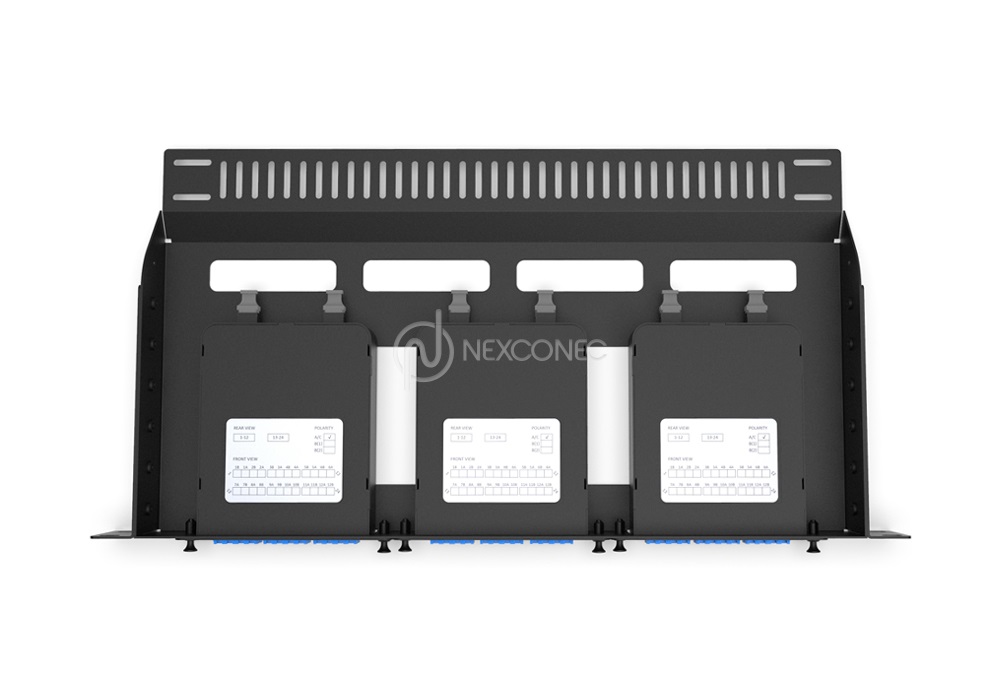

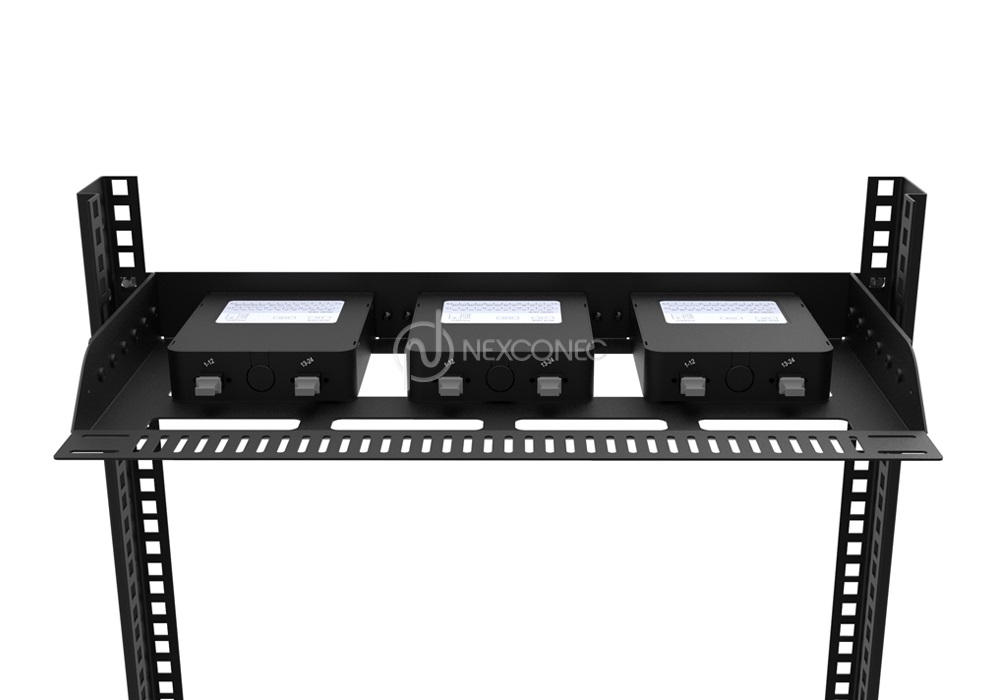
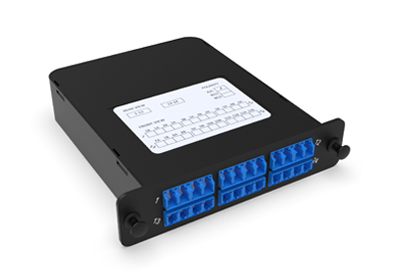
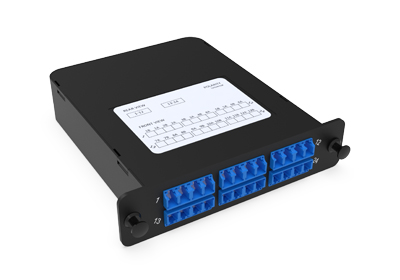
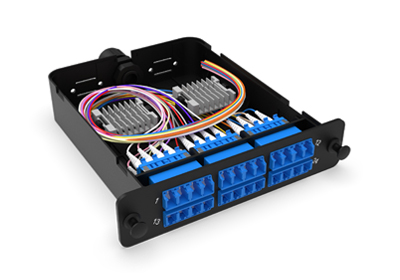
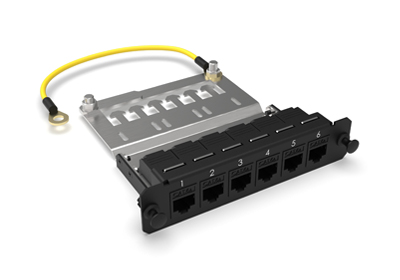
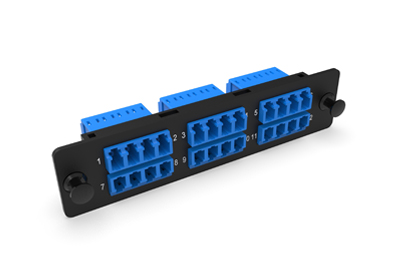
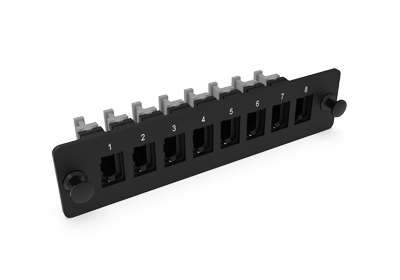
NEXCONEC® LGX 1U modular fixed frame is designed to optimize fiber management in space-constrained environments. Featuring three dedicated LGX slots, this rack-mountable chassis supports up to 3 LGX Modules or LGX pass through adapter plates, enabling a maximum fiber capacity of 72 fibers when fully loaded with LC configurations.
Panels are supplied unloaded and the modules and plates are supplied separately.
PRODUCT HIGHLIGHTS
- 3 Slots LGX in 1U space
- Up to 72FO in LC / 36FO in SC
- Modular Flexibility and Robust Construction
- Modular with MPO, Splice Cassettes or Adapter plates
- RoHS, REACH and SVHC
- Accepts Indoor and Outdoor Pre-terminated cables, MTP®/MPO trunks and Splicing
PRODUCT INFORMATION
 DATASHEET.pdf DATASHEET.pdf |
View | Download |
| TECHNICAL DRAWING.pdf |
View | Download |
 VISIO.vsdx VISIO.vsdx |
Download |
FEATURES
- 3 Slots LGX in 1U space
- Up to 72FO in LC / 36FO in SC
- Modular Flexibility and Robust Construction
- Modular with MPO, Splice Cassettes or Adapter plates
- RoHS, REACH and SVHC
APPLICATIONS
- Datacenter & Enterprise network
- Indoor applications
- Accepts Indoor and Outdoor Pre-terminated cables, MTP®/MPO trunks and Splicing
SPECIFICATIONS
| Parameters | Value |
|---|---|
| Mounting Type | Rack 19” |
| Opening Type | Fixed |
| Access Type | Front access |
| Front Cable Management | Optional - Removable drop-down door |
| Cable Entry Direction | Rear |
| Rear Cable Management | Support bar |
| Height Unit | 1U |
| Slot Type | LGX Modules and LGX Plates |
| Number of Slots | 3 Slots |
| Fiber Capacity | 72FO in LC / 36FO in SC |
| Material | Cold Rolled Steel |
| Housing Color | Black |
| Application | Indoor IP20 |
| Lockable | No |
| Dimensions (W x D x H) | 482 x 239.9 x 43.4 mm |
| Net Weight | 2KG |
| Material Compliant | RoHS, REACH / SVHC |
| Part Number | Product Description |
|---|---|
| MP3PP06 | 1U 3 Slots LGX Modular Fixed Frame - Unloaded |
360° XR Viewer
Click & Drag to move through.
Scroll wheel to Zoom in/out.
Double click to Full Screen.
Press ESC to exit Full Screen.