Products | Fiber Systems | Rack Mount Housing | LGX Range
1U 3 Slots LGX Sliding Patch Panel - MP3PP04
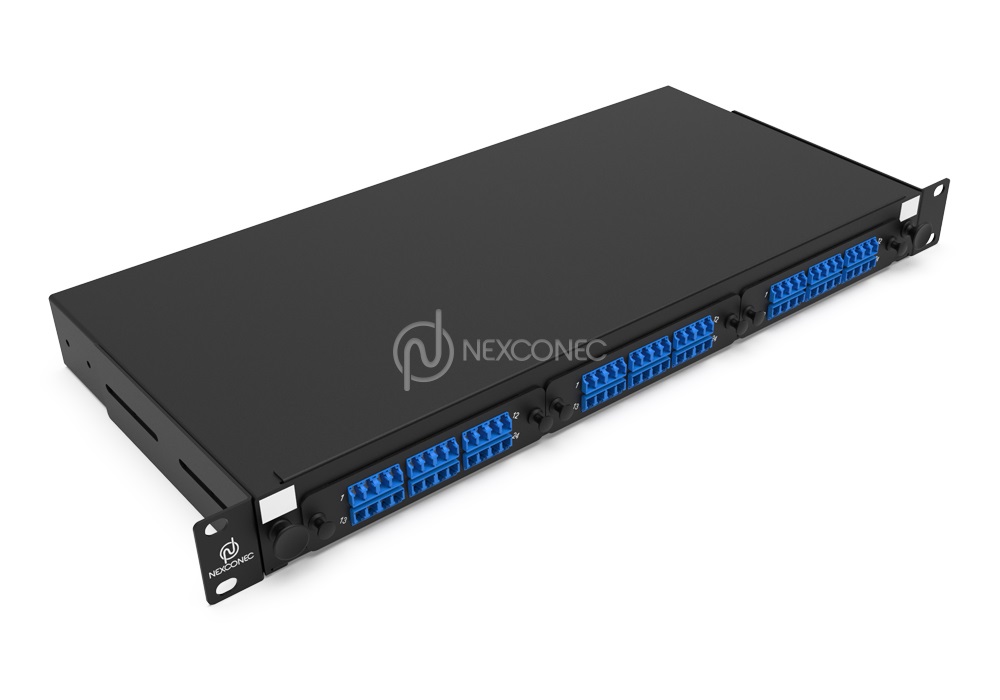
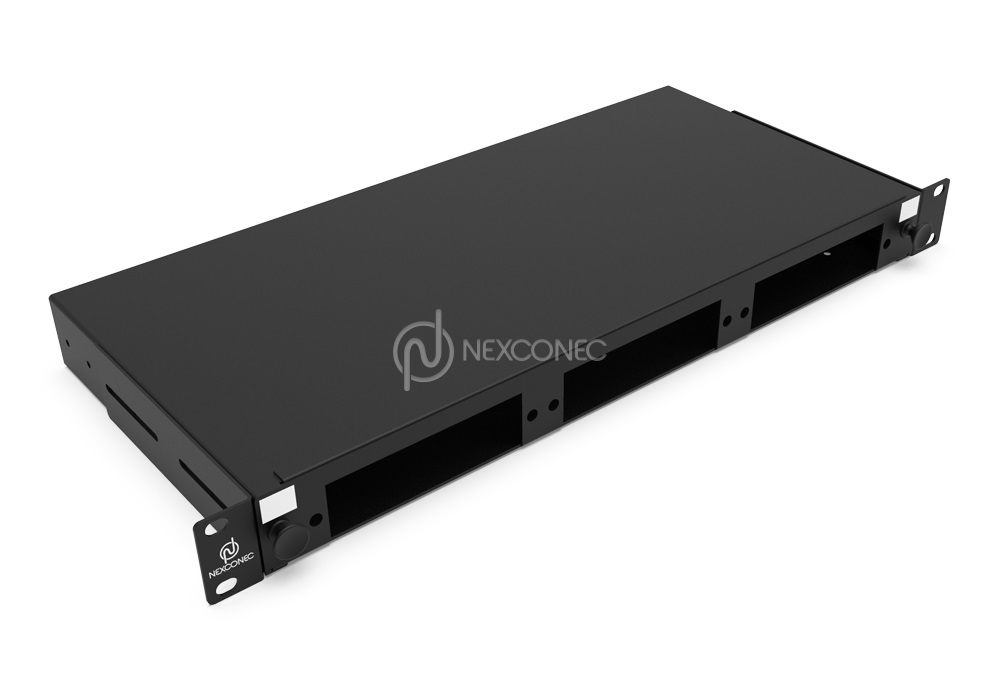
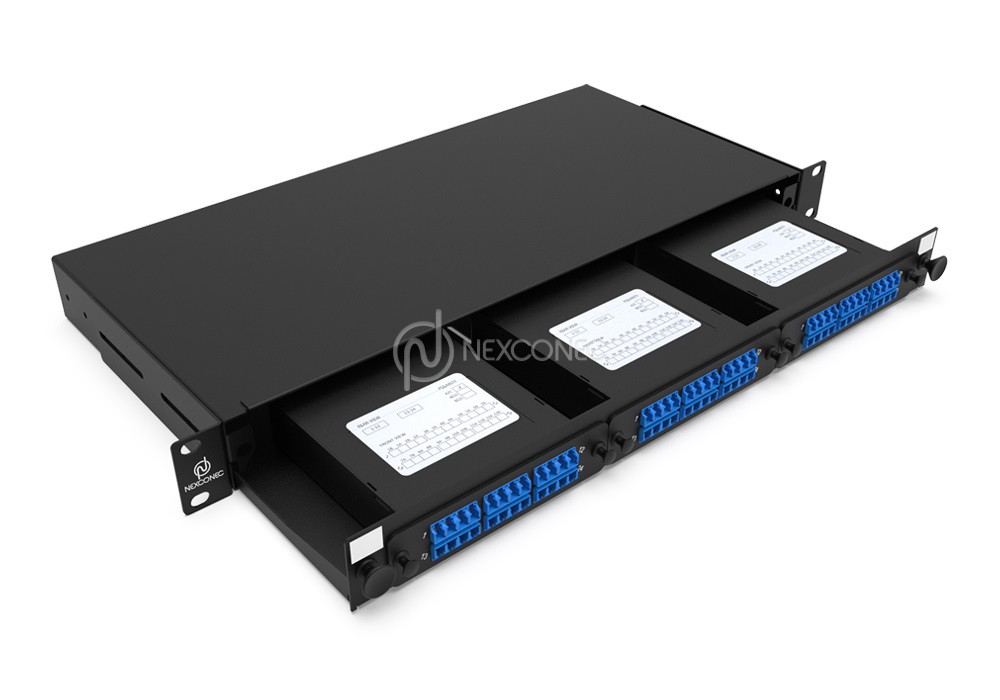
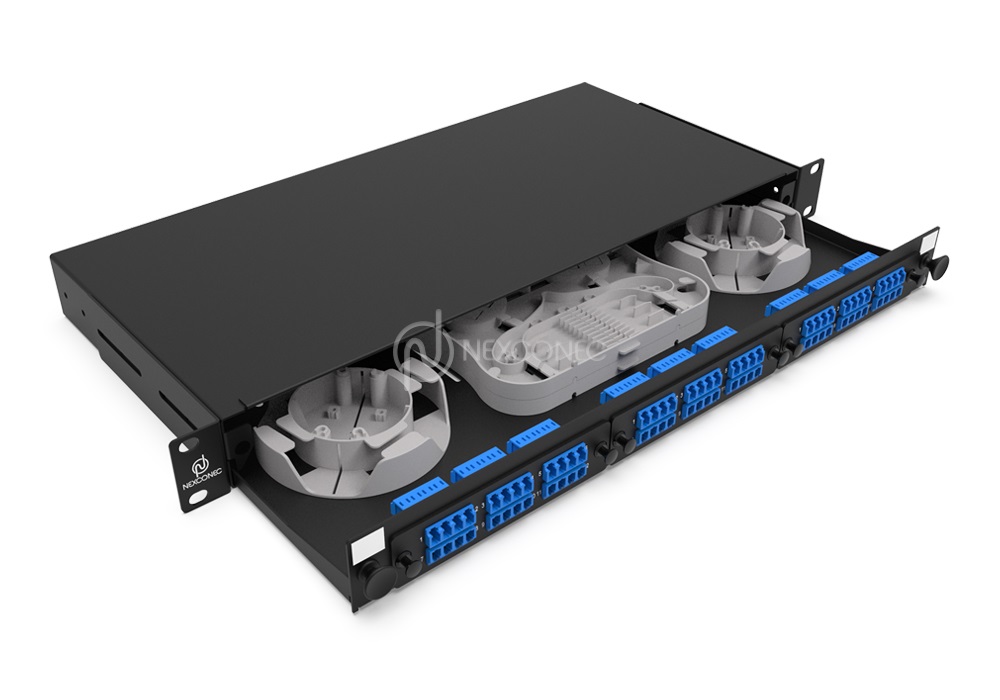
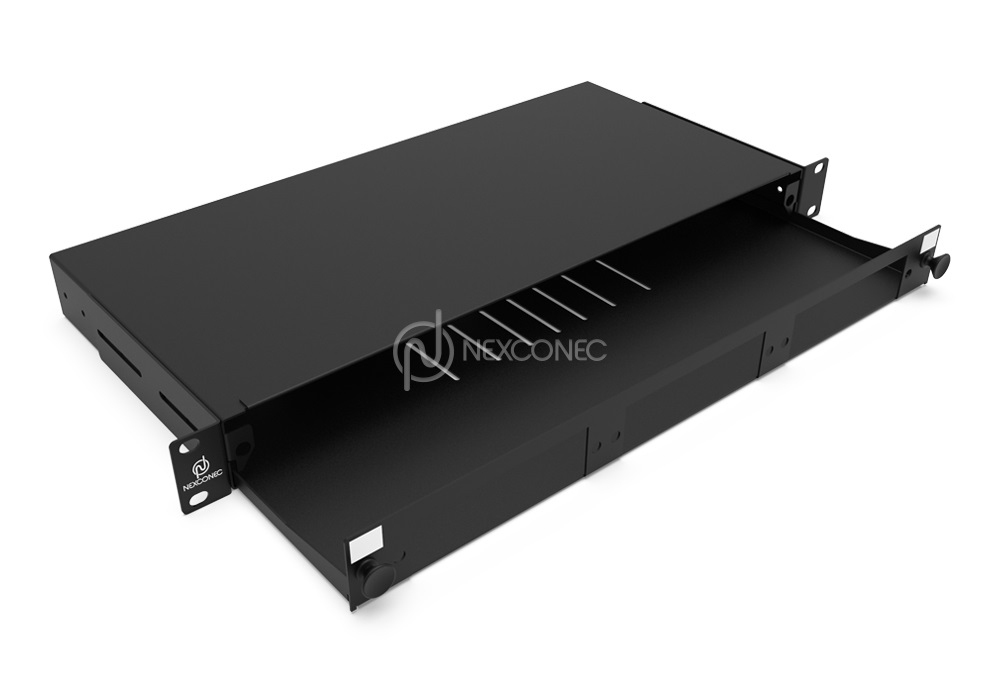
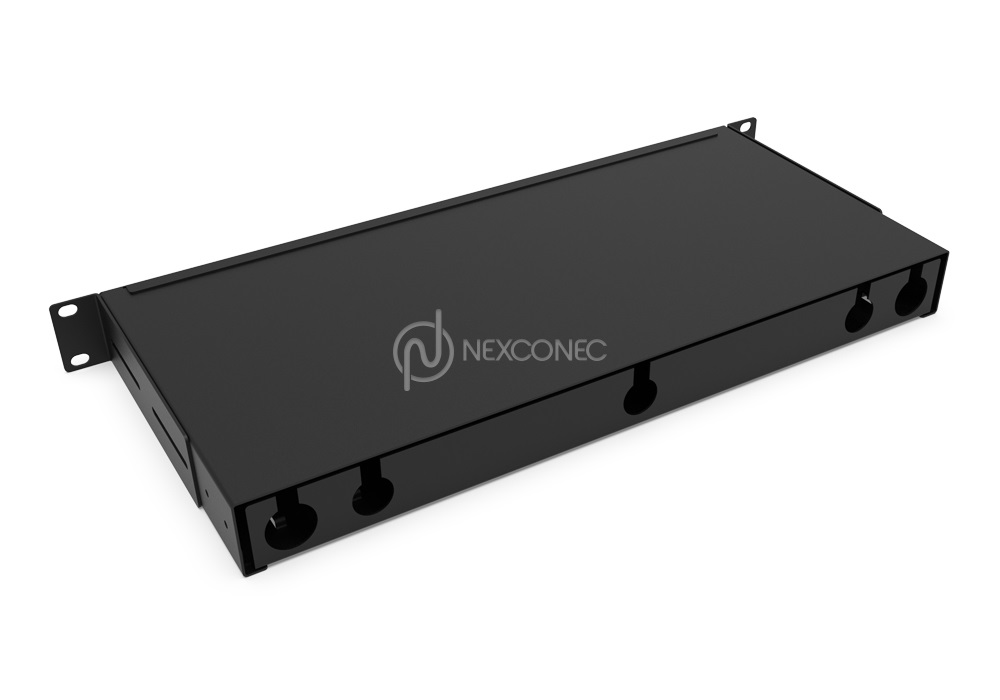
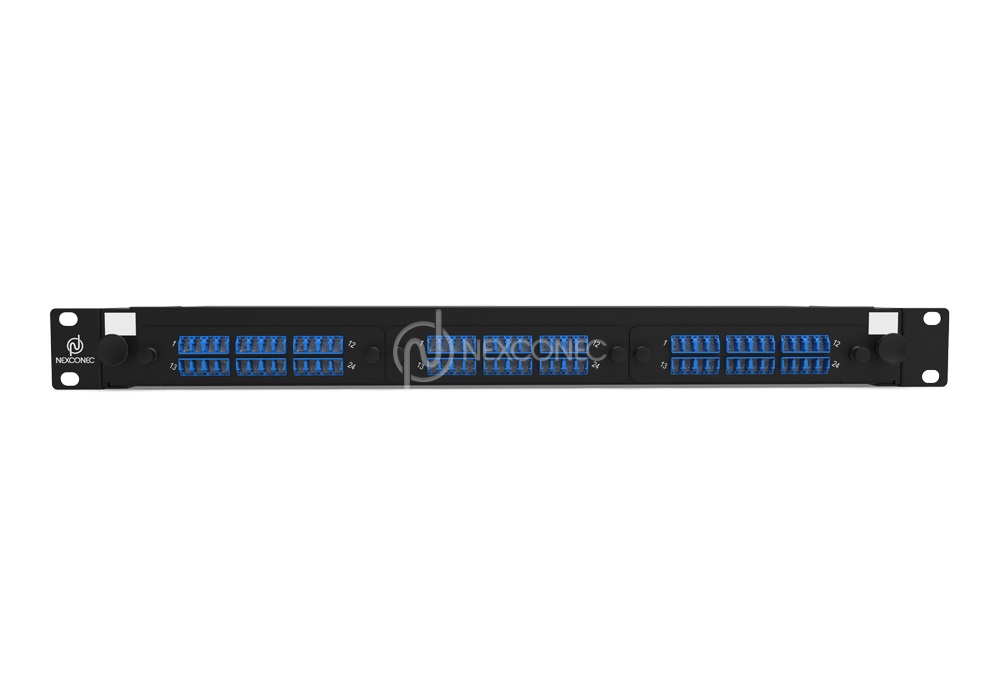
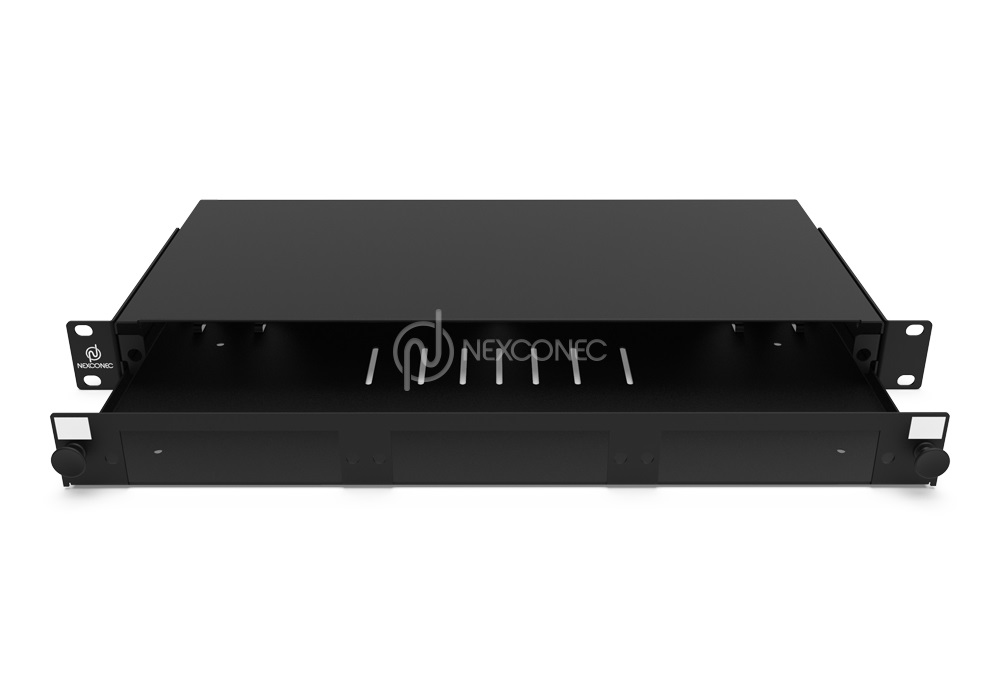
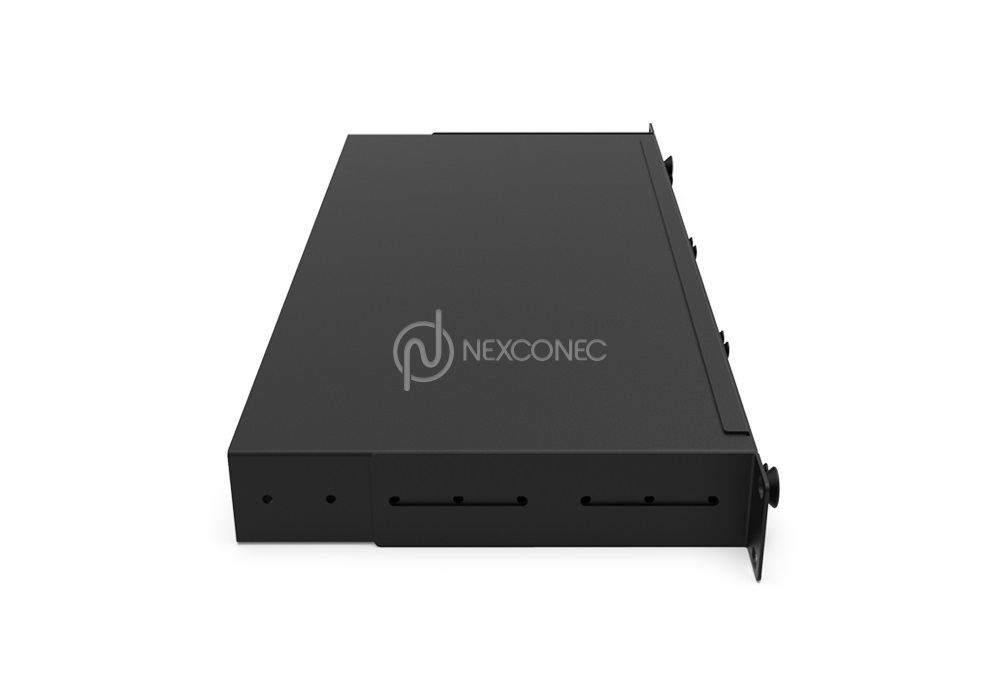

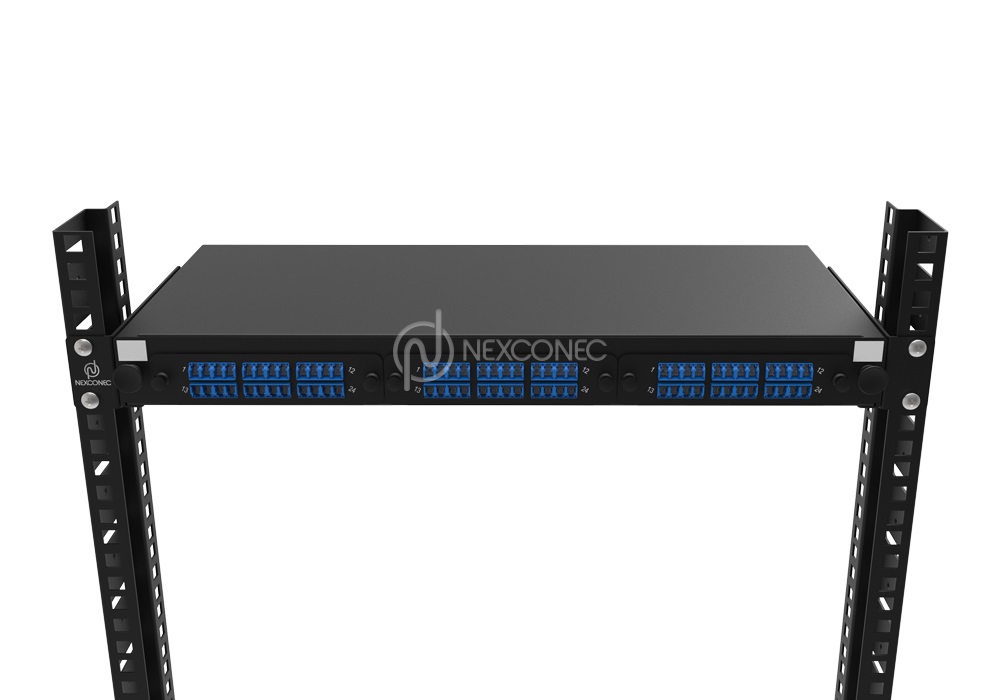
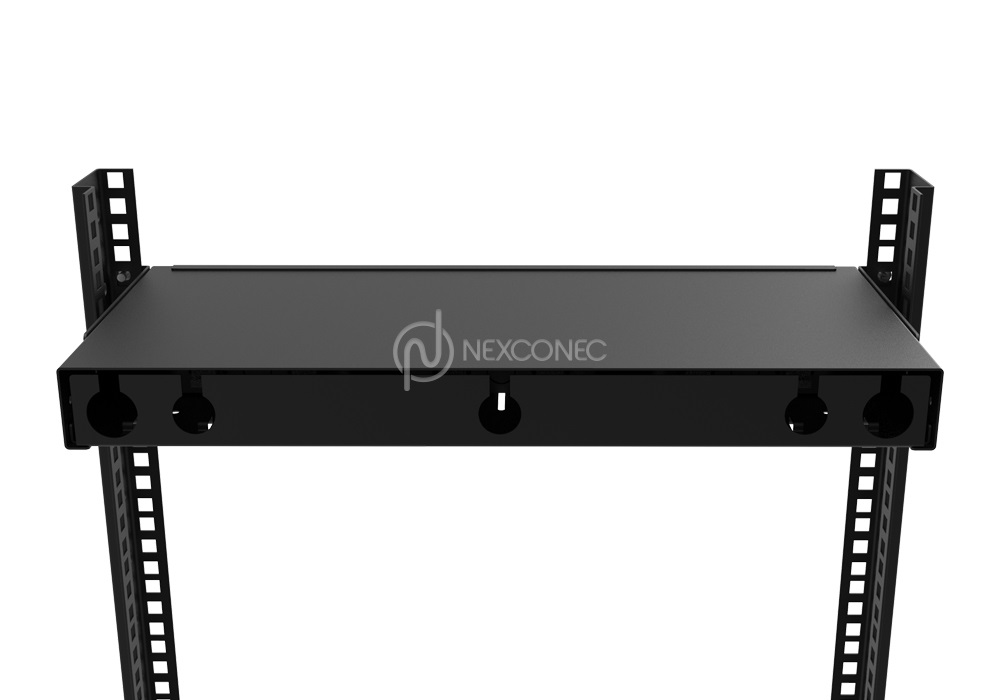
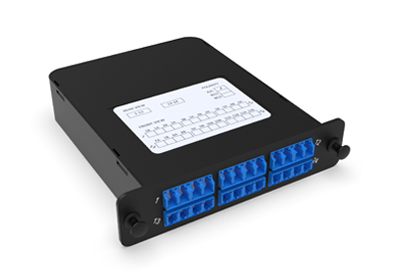
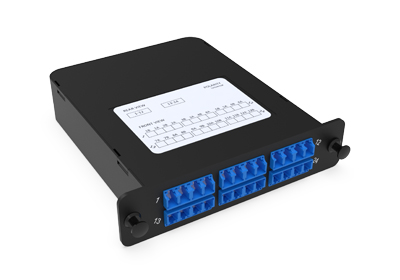
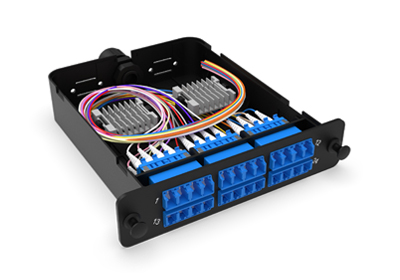
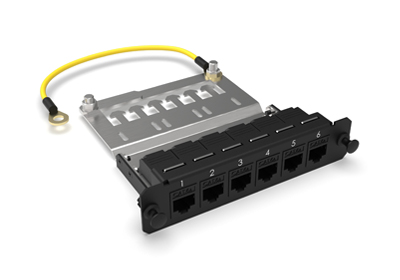
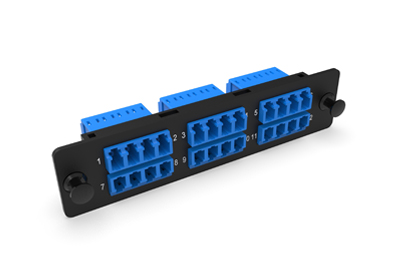
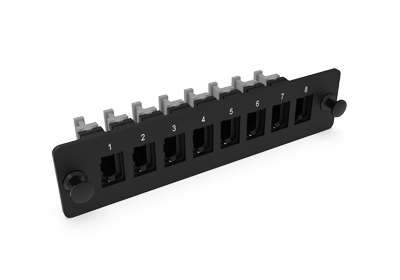
NEXCONEC® sliding patch panel accepts 3 LGX pass-thru adapter plates for a total of 72FO in LC/36FO in SC configuration. Modular panel for multi-application with MTP®/MPO System, Pre-terminated cables or conventional splicing. Easy front access with hinged cable management bar which provides protection of the patch cords as well as labelling.
Panel is supplied unloaded and the modules and plates are supplied separately.
PRODUCT HIGHLIGHTS
- 3 Slots LGX in 1U space
- Up to 72FO in LC / 36FO in SC
- Modular Flexibility and Robust Construction
- Modular with MPO, Splice Cassettes or Adapter plates
- RoHS, REACH and SVHC
- Accepts Indoor and Outdoor Pre-terminated cables, MTP®/MPO trunks and Splicing
PRODUCT INFORMATION
 DATASHEET.pdf DATASHEET.pdf |
View | Download |
| TECHNICAL DRAWING.pdf |
View | Download |
 VISIO.vsdx VISIO.vsdx |
Download |
FEATURES
- 3 Slots LGX in 1U space
- Up to 72FO in LC / 36FO in SC
- Modular Flexibility and Robust Construction
- Modular with MPO, Splice Cassettes or Adapter plates
- RoHS, REACH and SVHC
APPLICATIONS
- Enterprise network & Datacenter
- Indoor applications
- Accepts Indoor and Outdoor Pre-terminated cables, MTP®/MPO trunks and Splicing
SPECIFICATIONS
| Parameters | Value |
|---|---|
| Mounting Type | Rack 19” |
| Opening Type | Sliding Tray |
| Access Type | Front access |
| Front Cable Management | Optional - Removable drop-down door |
| Cable Entry Direction | Rear |
| Rear Cable Management | 6 Cable entries |
| Height Unit | 1U |
| Slot Type | LGX Modules and LGX Plates |
| Number of Slots | 3 Slots |
| Fiber Capacity | 72FO in LC / 36FO in SC |
| Material | Cold Rolled Steel |
| Housing Color | Black |
| Application | Indoor IP20 |
| Lockable | No |
| Dimensions (W x D x H) | 482 x 205 x 44 mm |
| Net Weight | 3 Kg |
| Material Compliant | RoHS, REACH / SVHC |
| Part Number | Product Description |
|---|---|
| MP3PP04 | 1U 3 Slots LGX Modular Sliding Patch Panel - Unloaded (No Front Management) |
360° XR Viewer
Click & Drag to move through.
Scroll wheel to Zoom in/out.
Double click to Full Screen.
Press ESC to exit Full Screen.